

One kit for every screen
A design system is the shared set of design tokens, components and rules that every screen in your product is built from. EzGIG designs and documents one in design files and in code, for product teams in Malaysia whose screens have drifted apart or who have several teams building one product.
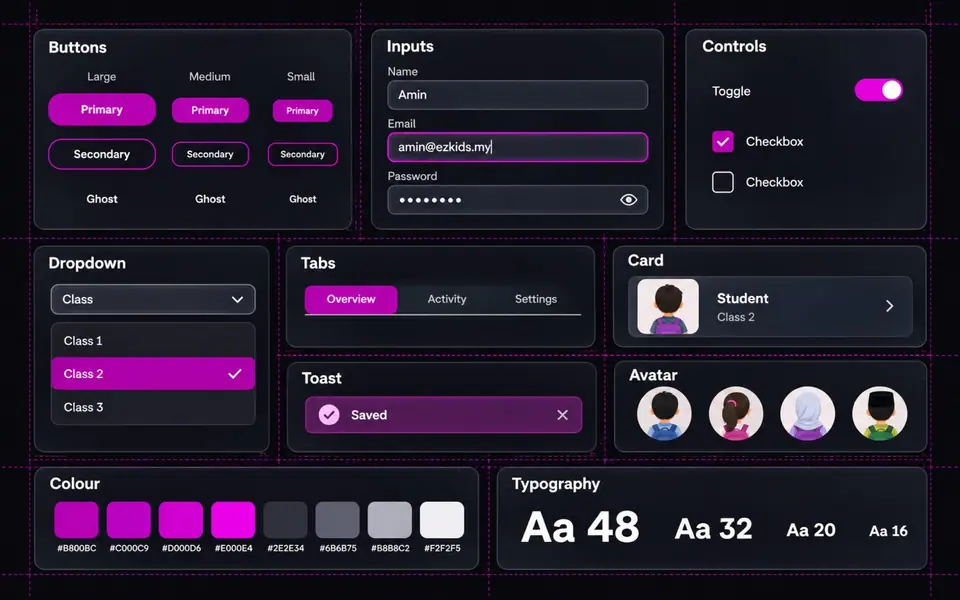
What a design system includes
A style guide is one part; a design system adds components, code and rules.
| Part | What it is | Where it lives |
|---|---|---|
| Design tokens | Named values for colour, type, spacing, radius and motion | Design files and code |
| Component library | Buttons, forms, cards and tables with every state | Design files and code |
| Usage guidelines | When and how to use each part, with do and don't examples | Documentation |
| Code components | The same components built for your front end | Your code repository |
| Style guide (on its own) | Colours, fonts and logo rules only | A PDF or a single page |
Six deliverables, one source of truth
Design and engineering work from the same parts.
Design tokens
Colour, type, spacing and radius as named values.
Component library
Every reusable part with its states and variants.
Usage guidelines
Clear rules so new screens match old ones.
Code components
The same parts built for your front end.
Documentation
One place your team can look things up.
Team training
Your designers and engineers learn to use and extend it.
Kits we built and use daily
Our own products run on design systems we made.
EzGIG's own design system
Tokens, components and this website, built from one kit.
About EzGIG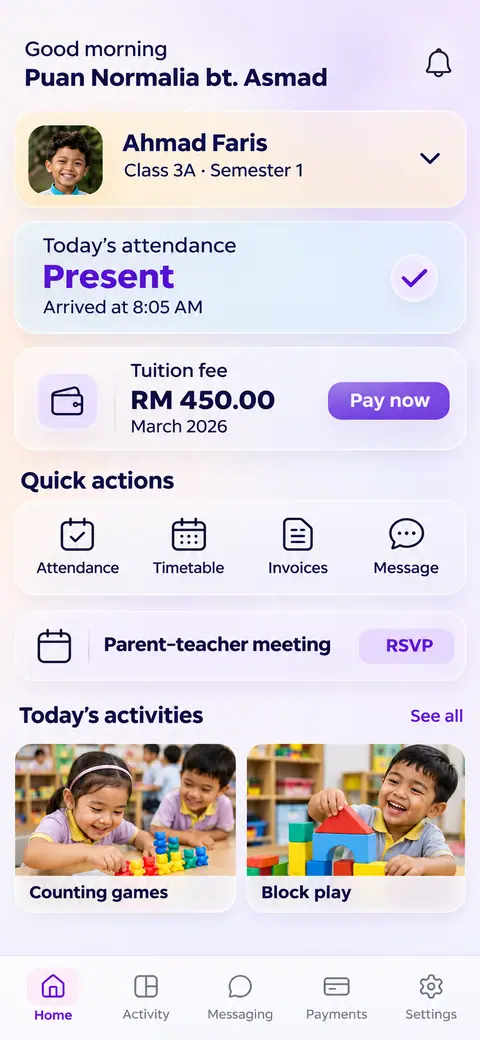
EzKids
One kit across five role logins: owner, principal, teacher, parent and child.
See EzKidsWhen a design system pays back
It earns its keep once several people design or build the same product.
A good fit if
- Every screen looks different
- Design and code drift apart
- Several teams build one product
- You're rebranding
Probably not the right start if
- You need a logo, colours and fonts first: see Brand Identity
- One flow is broken, not the whole kit: see UI/UX Design
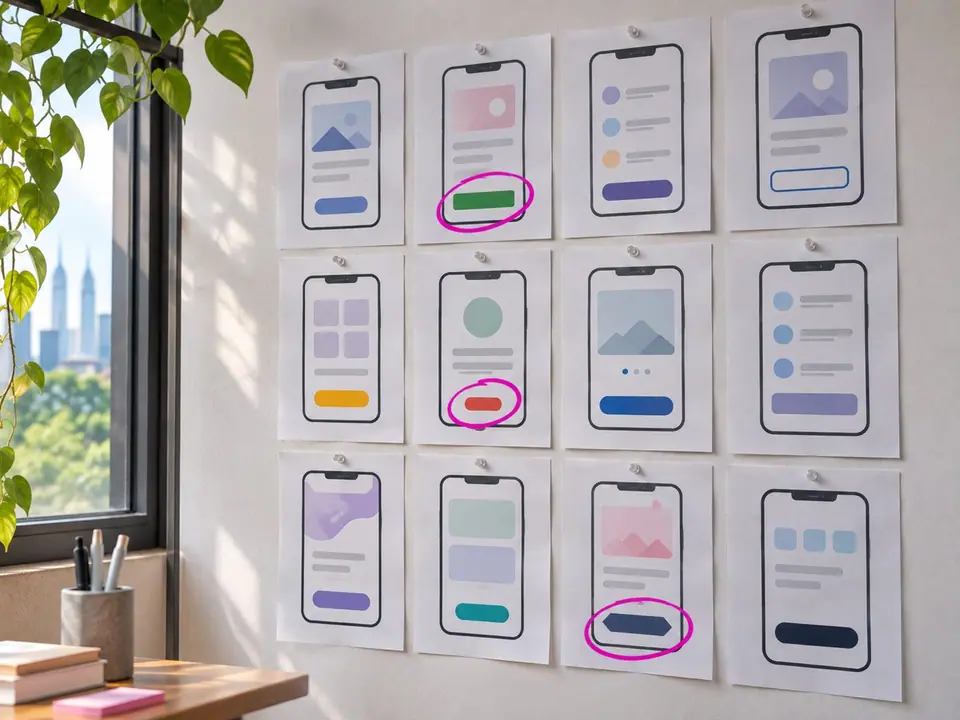
Audit, define, build, train
We start from what you already have, not a blank page.
Audit
An inventory of every screen and component in use.
Define
Tokens for colour, type, spacing and radius agreed.
Build
Components designed and coded, with every state.
Train
Documentation published and your team trained.
Three ways to work with us
Pick the model that fits how your team ships.
Project
A defined scope, timeline and team, with a fixed quote after discovery.
Retainer
Ongoing capacity for new components, improvements and support.
Dedicated team
Designers and engineers embedded alongside yours.
You own the tokens, components and code, as set out in your contract.
Questions about design systems
A design system is a shared set of design tokens, components and usage rules that every screen of a product is built from. It keeps design and code consistent as teams and features grow.
A style guide covers colours, fonts and logo rules. A design system adds reusable components, code and guidelines for how to use them.
Yes. Code components are part of the deliverables, so design and front end use the same parts.
Yes. We start with an audit of the screens and components already in use, then bring them into one kit.
Yes. Documentation and team training are included so your designers and engineers can use and extend the kit.
Yes, after discovery, for a defined scope.
You do, as set out in your contract.

-
Liftoff
Book a slot or send a quick brief. A real person on our team replies within one working day.
-
Mission briefing
A focused call on your goals, systems and site. We tell you straight what will work, and what won't.
-
Flight plan
A clear written plan shaped around your needs, with a fixed price and timeline. No surprises.