

More eyes on every patient, without more staff.
EzVision for Hospitals
Book a 20-min call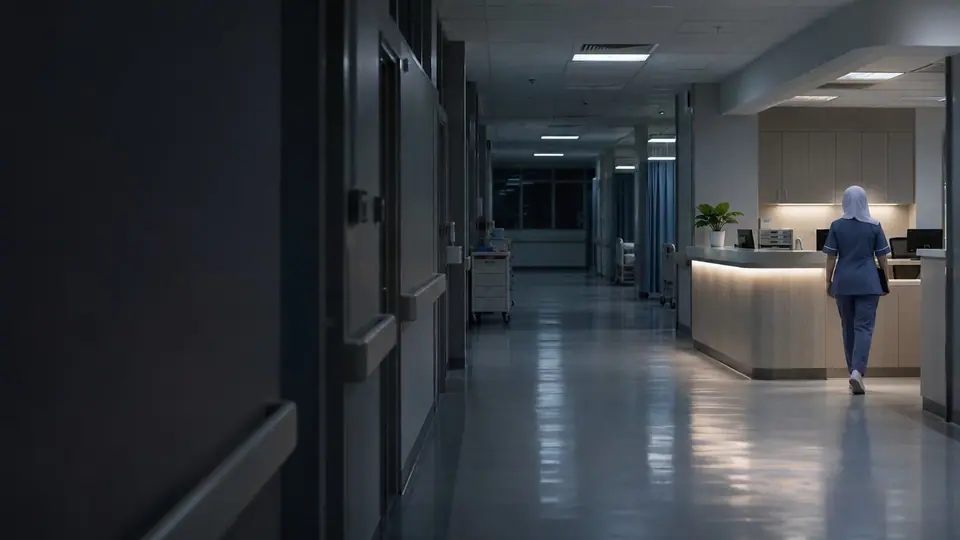
Pressure builds unseen
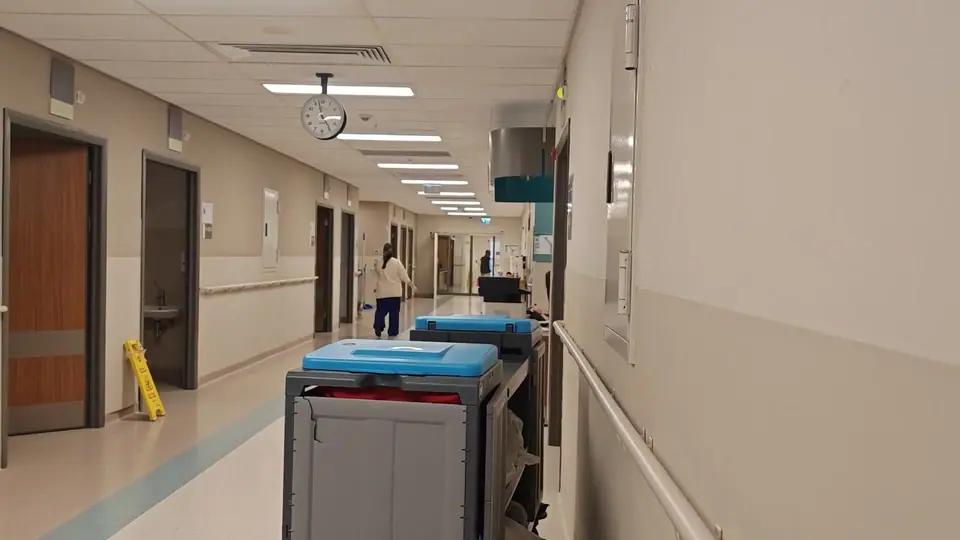
EzVision is an AI patient safety and hospital operations system that watches waiting rooms, wards and stores on the cameras and sensors you choose.
Nurses know when a patient is about to fall, security knows when the ED turns tense, and pharmacy knows when the fridge warms up. In patient rooms it runs in privacy mode, with radar or pose-only processing, so no identifiable video is stored.
- Waiting rooms overflow and nobody sees the pressure building until patients complain.
- Inpatient falls cause harm and liability, and 1:1 sitters are expensive and scarce.
- Staff face aggression in the ED, and drugs, infants and medicine stores need tighter control.
Patients, public areas and stores
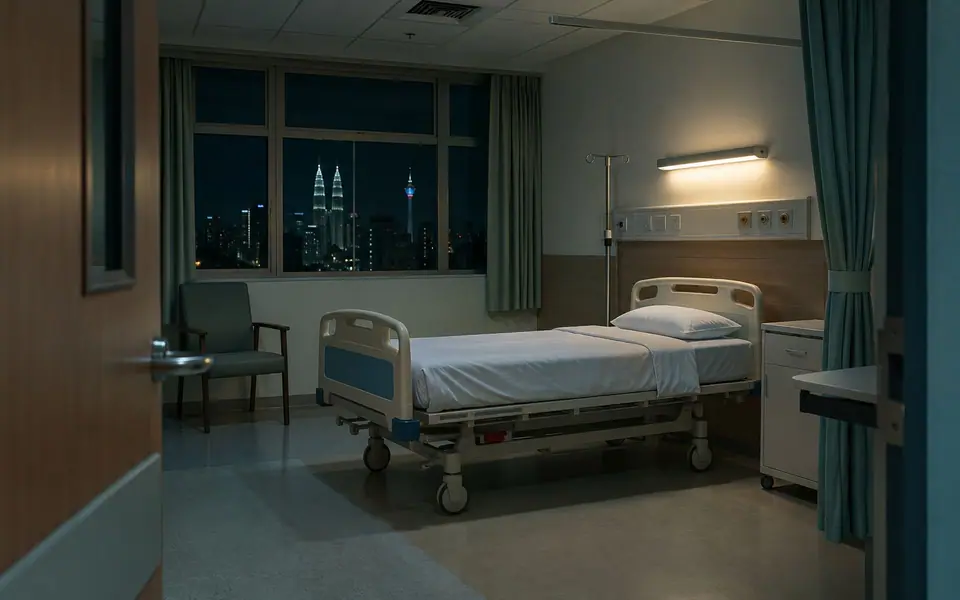
Four groups of detections, each routed to the team that can act on it.
Patients
Public areas
Restricted access
Stores
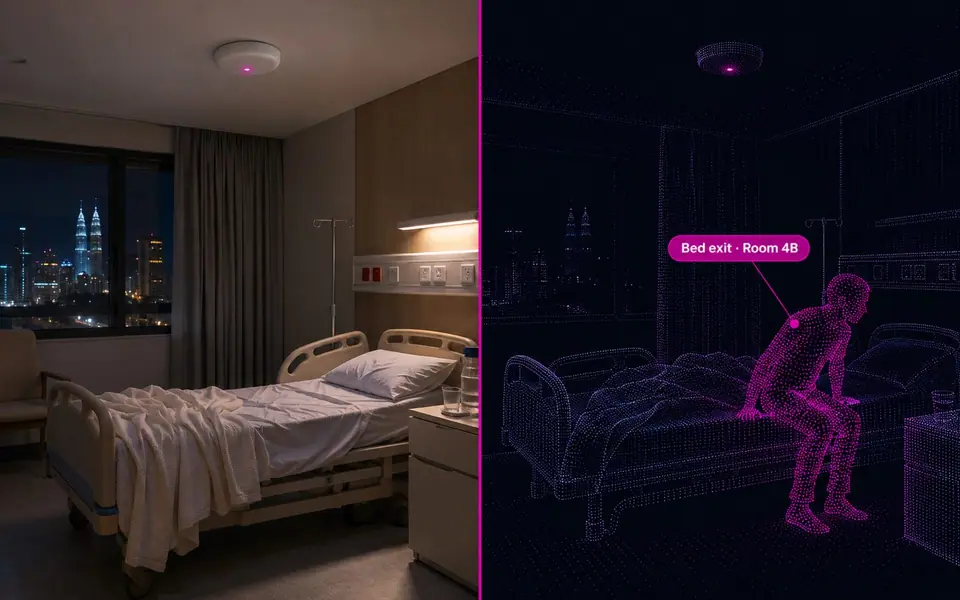
Privacy mode in patient rooms
In patient rooms EzVision runs on radar or pose-only processing, so no identifiable video is stored.
- Each room’s monitoring follows the patient’s consent setting
- Stores events, not identities: short clips of what happened, the rest is dropped
- Face recognition is off unless you switch it on for a specific watchlist
- Processing can run on-site, so video never has to leave your premises
- Every alert is reviewed by a person before action is taken
Cameras in public areas, privacy mode in rooms
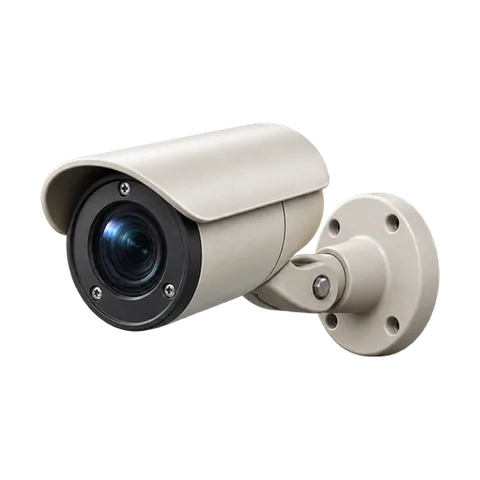
Public-area CCTV
Waiting rooms, ED and corridors.
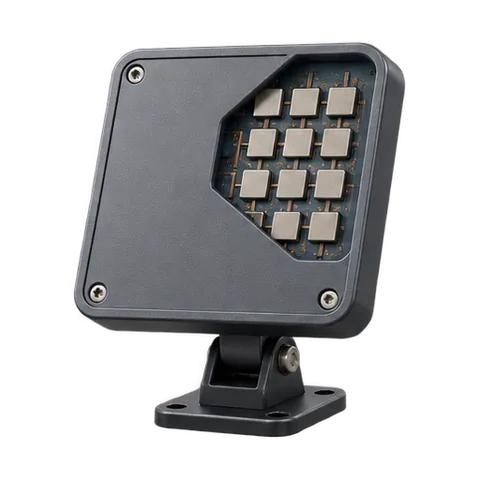
60GHz radar
Patient rooms: movement and falls without recording video.
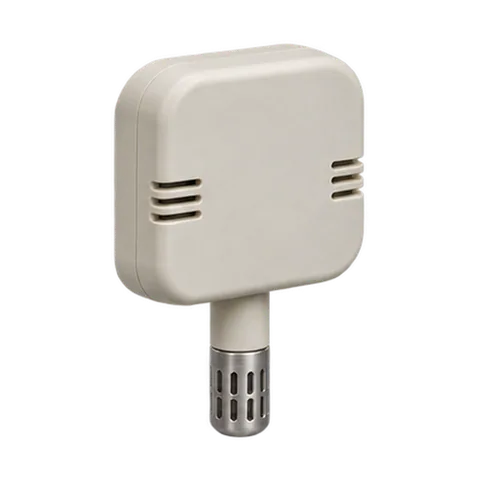
Fridge and oxygen sensors
Temperature or level out of range.
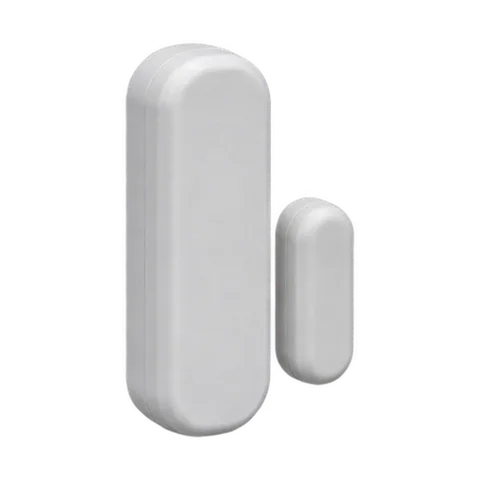
Door and nurse-call
Door, access and nurse-call signals feed the same engine.
From ward sensor to nurse’s phone
Each alert goes to the nurse, security or pharmacy team that owns it.
Capture
Public-area cameras, privacy-mode ward sensors (radar or pose only), door, nurse-call and fridge sensors.
Detect
Queue pressure, bed exits, falls, wandering, aggression, restricted-area entry and storage temperature.
Act
An alert to the nurse’s phone, nurse call or security, and a log for quality and safety teams.
ED and waiting-room pressure
Queues and crowding in outpatients and ED, live.
Alert goes to: Patient flow teamBed exit and fall alerts
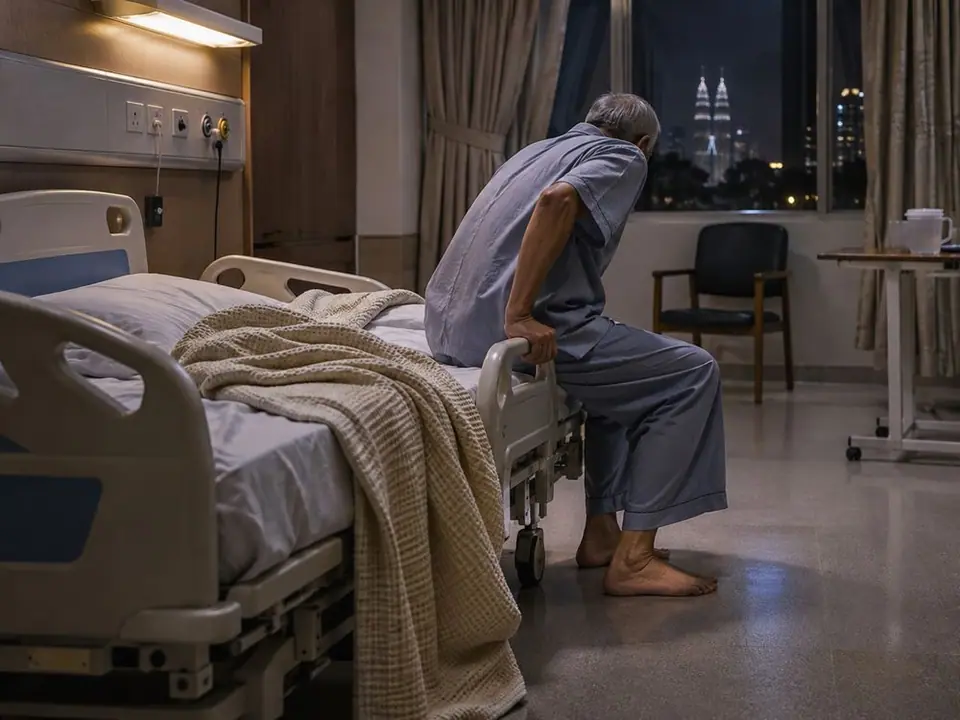
A high-risk patient getting up, or on the floor.
Alert goes to: Ward nurseWandering and elopement
At-risk patients heading for exits.
Alert goes to: Ward nurse and securityED aggression and duress
Fights and raised aggression in emergency.
Alert goes to: SecurityRestricted area access
Pharmacy, theatres and NICU entered by the wrong people.
Alert goes to: Security and unit managerMedicine fridge and oxygen store
Temperature or level out of range.
Alert goes to: Pharmacy and facilitiesWhat changes on the ward
Three moments from a hospital day, and the before and after.
Monday clinic: the outpatient waiting room passes capacity; the patient-flow team opens a second registration desk.
A relative shouts and shoves a nurse in the ED. Security is alerted and on the way.
A post-op patient starts to climb out of bed. The nurse gets an alert and reaches the room first.
| Before | With EzVision |
|---|---|
| Waiting-room overflow found by complaints | Live queue pressure on the patient-flow board |
| 1:1 sitters for high-risk patients | One nurse watching many rooms with alerts |
| Aggression reported after the fact | Security alerted as it starts |
| Fridge failures found on the morning check | Temperature alerts the minute it drifts |
Start in public areas
Most hospitals start in public areas such as waiting rooms, the ED and stores, and add ward monitoring once the workflow is agreed.
- Waiting rooms and ED first
- Stores and restricted areas next
- Ward monitoring once the workflow is agreed
- EzVision’s 60GHz radar sensing lets you monitor rooms without recording video
Three steps, on your own cameras
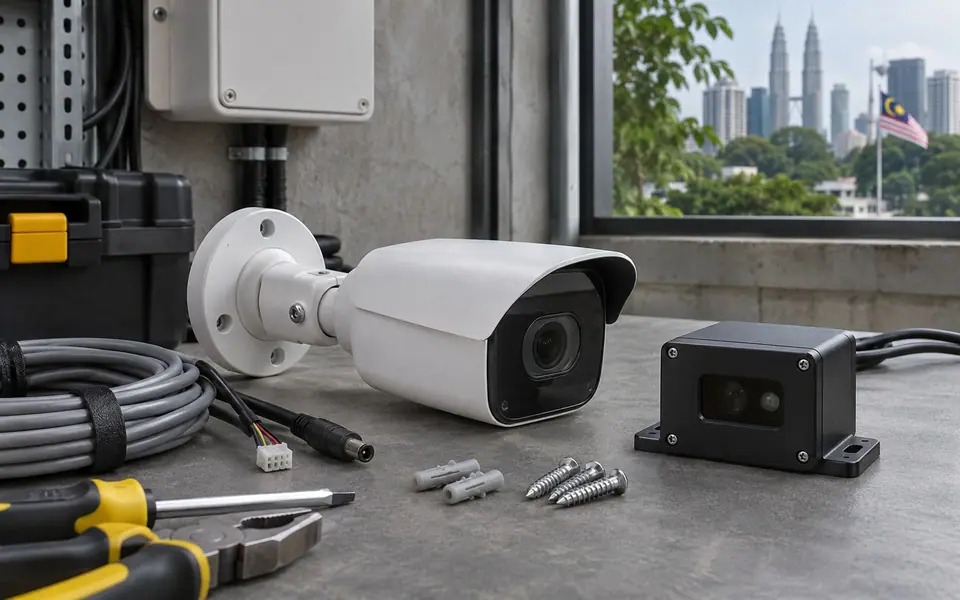
Site visit
We walk the site, check your cameras and agree the detections that matter most.
Trial on your own cameras
EzVision runs on a few of your cameras, on a server at your site.
Results review
We go through every alert with your team, then plan the roll-out.
Where else EzVision runs
The same engine, set up for each kind of site.
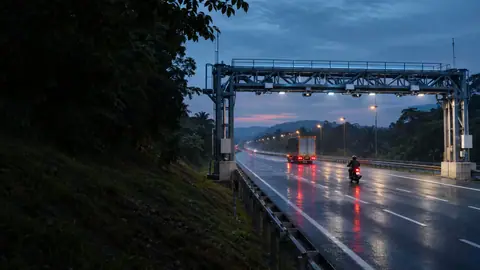
Tolling & Highways
Free-flow tolling at highway speed.
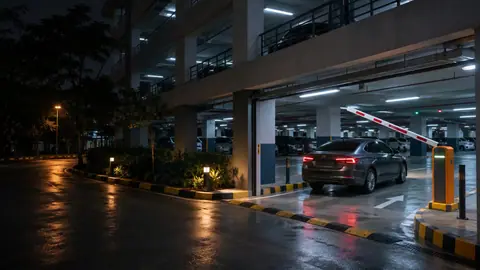
Smart Parking
The plate is the ticket.
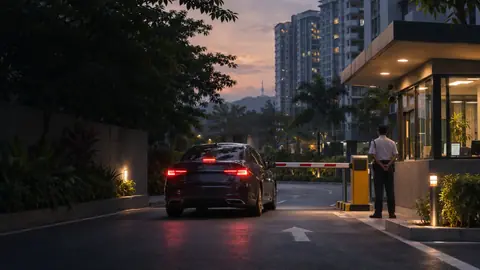
Housing & Condo
Gates, visitors and perimeters.

Schools & Campuses
Early warning, with no cameras in private spaces.
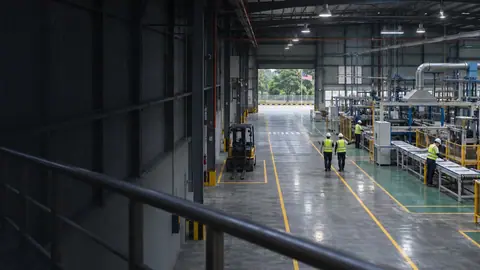
Manufacturing
PPE, near misses and line stoppages.

Warehouses & Logistics
Gate to dock, every truck and forklift.
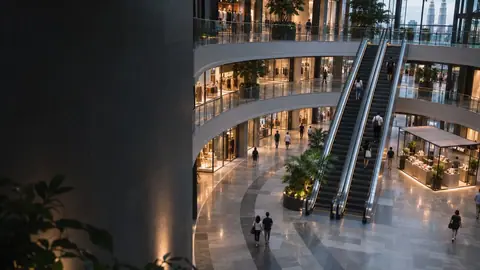
Shopping Malls
From the car park to the shopfront.

Construction
PPE, open edges and after-hours security.
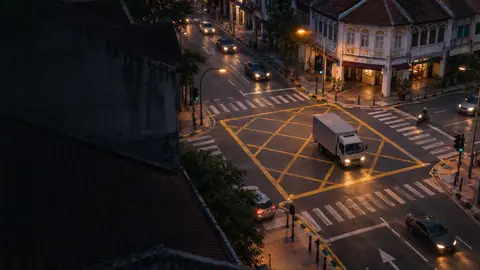
Smart Cities
One engine for the whole city.
Airports
Queues, turnaround and perimeter.
Questions about hospitals
In rooms we use radar or pose-only processing that stores no identifiable video.
Yes. Alerts can go to nurse call, phones or both.
It lets one nurse watch many high-risk patients; the clinical decision stays with your team.
Most hospitals start in public areas (waiting rooms, ED, stores) and add ward monitoring once the workflow is agreed.
EzVision is a safety and operations alerting system. Clinical functions such as vital-sign trends follow your regulator’s device rules before use.

-
Liftoff
Book a slot or send a quick brief. A real person on our team replies within one working day.
-
Mission briefing
A focused call on your goals, systems and site. We tell you straight what will work, and what won't.
-
Flight plan
A clear written plan shaped around your needs, with a fixed price and timeline. No surprises.